AIDLC Implementation Examples
Four ways to wire AIDLC into the engine you already run, from a single team on a CLI coding agent to an in-house orchestrator on a model API. Each example shows the files and configuration that carry the method. They are illustrations to adapt, not case studies: the names are invented and no outcomes are claimed.
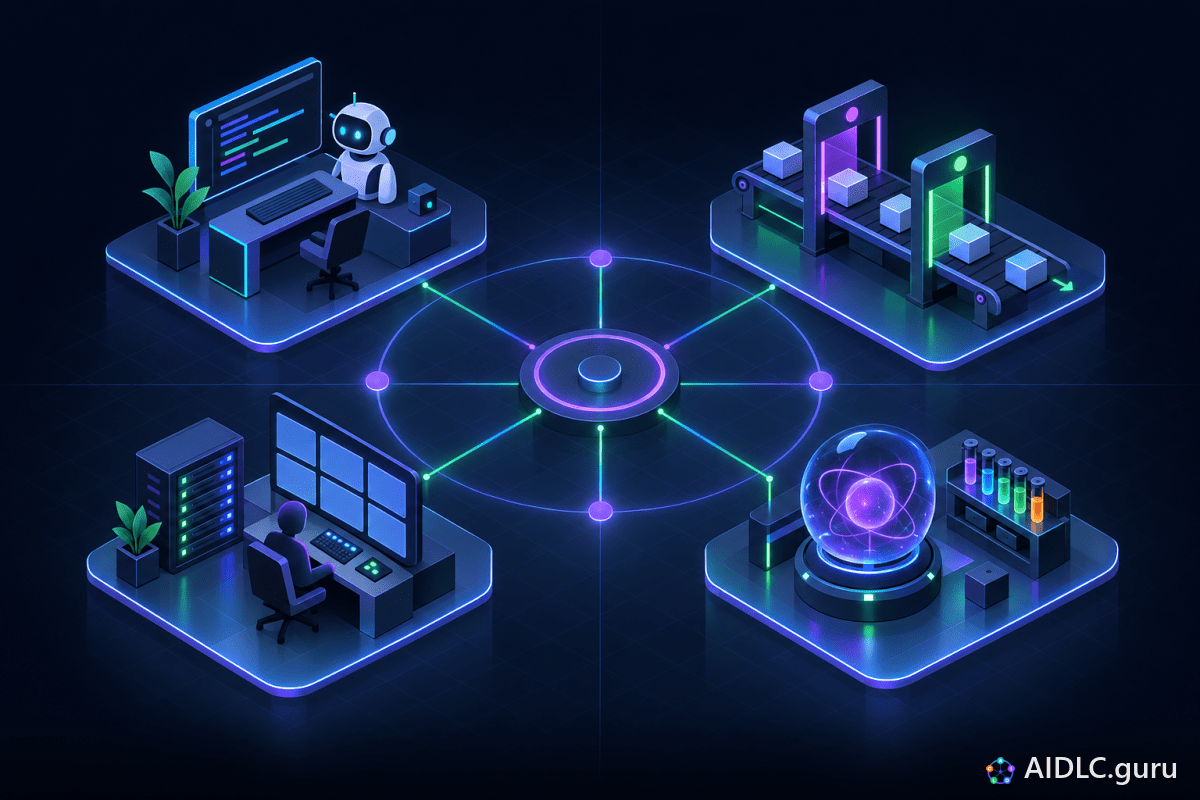
Pick the Example Closest to You
The examples build on each other. Most organizations start with the first, add the second, and only build the third when several teams need the same controls. The fourth applies whenever the product itself calls a model. The architecture behind all four is on Building AIDLC Into an AI Engine.
| Example | Your setup | What carries AIDLC | Effort to start |
|---|---|---|---|
| 1. A team on a CLI coding agent | Claude Code, Codex, Copilot or Cursor in the terminal or IDE | Instruction file, saved prompts, a pre-edit hook, the PR template | Low: files in the repo |
| 2. An agent in the CI pipeline | GitHub Actions or another CI runner | Workflow checks, labels, a service identity for the agent | Medium: CI scripts and permissions |
| 3. An in-house orchestrator | Your own service calling a model API, with tools exposed over MCP | State machine, artifact store, gate configuration, run log | High: a service to build and own |
| 4. A team whose product is the AI engine | An assistant, classifier or retrieval system in production | Eval set, pinned configuration, eval gate in CI | Medium: an eval set to curate |
Example 1: A Team on a CLI Coding Agent
The lightest integration. The engine is the coding agent the team already uses, and the method lives in four files it reads or runs. Nothing new to deploy; everything is reviewed in pull requests like any other code.
The instruction file
AGENTS.md, CLAUDE.md or your tool's equivalent at the repo root. It states how work arrives, the test-first order, the risk tiers and the things the agent never does. Start from the repo instructions template.
Saved prompts per phase
Turn the Prompt Library entries you run every week into skills or saved commands: plan first, write the tests before the code, review a diff, find the gaps before release.
A pre-edit hook
Most CLI agents can run a script before a file edit. Use it to block changes to existing tests, so "make the build green" can never mean "weaken the test".
The PR template
Add the PR template fields: the ticket contract link, the risk tier, the agent that wrote it, and what a human verified.
Instruction file excerpt
# AGENTS.md - AIDLC rules for this repository

## How work arrives
- Every task comes from a ticket contract: acceptance criteria, risk tier, flag, rollback plan.
- No ticket contract, no code. Ask for one instead of guessing.

## Develop: tests first
1. Propose a plan: files, interfaces, test surface, rollback. Wait for approval.
2. Write tests from the acceptance criteria: unit for logic, integration or contract
   for every module boundary and external system the ticket names. Run them. They must fail.
3. Implement until they pass. Never edit, skip or delete an existing test to get green.
4. Run the full suite and the linter before showing the diff.

## Risk tiers
- Tier 1 (docs, copy, tests, flag-off scaffolding, safe dependency bumps): merges on green checks; a person samples merges.
- Tier 2 (ordinary feature work behind a flag): plan approval first; one human reviewer.
- Tier 3 (auth, money and eligibility logic, personal data, migrations, rule engines,
  external adapters, infrastructure): never unattended; two humans plus an architect review.

## Never
- Push to a protected branch, change CI configuration, or read secrets.
- Retry a failing check more than twice. Stop and report what you tried.
Pre-edit hook
#!/usr/bin/env bash
# block-test-edits.sh - run by the agent before it edits a file.
# How the target path arrives differs by tool (an argument, an environment
# variable or JSON on stdin); adapt the next line to yours.
target="$1"

# New test files are welcome. Existing ones change only with a human-approved reason.
if [[ "$target" == tests/* ]] && git ls-files --error-unmatch "$target" >/dev/null 2>&1; then
  echo "Blocked: $target is an existing test. Add a new test or ask a person." >&2
  exit 2
fi
exit 0
Example 2: An Agent in the CI Pipeline
The next step moves the controls from the developer's laptop into the pipeline, where they apply to every pull request no matter who or what wrote it. It also opens Lane B: an issue labeled agent-eligible starts an agent under its own service identity, which opens a pull request and can never merge one. See the two lanes and work classes for which tickets qualify.
The workflow below is GitHub Actions syntax; the same steps translate to any CI runner. Each scripts/aidlc/ script is small and owned by the team, so the gate logic stays readable and reviewable.
The gate workflow
# .github/workflows/aidlc-gates.yml - illustrative
name: aidlc-gates
on: pull_request
permissions:
  contents: read
  pull-requests: read
jobs:
  gates:
    runs-on: ubuntu-latest
    steps:
      - uses: actions/checkout@v4
        with:
          fetch-depth: 0
      - name: Ticket contract linked and complete
        run: ./scripts/aidlc/check-ticket-contract.sh
      - name: Tests came first and existing tests are untouched
        run: ./scripts/aidlc/check-tests-first.sh "origin/$GITHUB_BASE_REF"
      - name: Test suite
        run: npm test
      - name: Mutation gate on critical modules
        run: ./scripts/aidlc/mutation-gate.sh        # runs only when critical paths changed
      - name: Reviewers required for the risk tier
        run: ./scripts/aidlc/require-reviewers.sh
One of the gate scripts
#!/usr/bin/env bash
# check-tests-first.sh - fail when existing tests were modified or deleted.
set -euo pipefail
base="$1"

changed=$(git diff --name-only --diff-filter=MD "$base"...HEAD -- tests/)
if [ -n "$changed" ]; then
  echo "Existing tests were modified or deleted:"
  echo "$changed"
  echo "Add the label tests-change-approved after a person reviews the reason."
  exit 1
fi
What makes it safe
- The workflow's token is read-only. The agent's own identity can open pull requests and comment, and nothing more.
- Branch protection requires these checks and a human approval, so no path merges around them.
- Pull request text is never pasted into a shell command, which keeps a malicious description from becoming code.
- A self-healing agent that fixes a red build gets two attempts, then hands the failure to a person. See the self-healing pattern.
Example 3: An In-House Orchestrator on a Model API
When several teams need the same controls, or the work spans more than code, an organization builds its own engine: a service that owns the phase state machine and the artifact store, calls a model API for each agent role, and gives agents tools through MCP servers. People approve in the tracker or in chat, and the approval event drives the next transition.
This is the full seven-layer architecture. Three pieces are worth showing concretely: the data model, the tool surface, and the routing of agents to phases.
The artifact store
-- Illustrative schema: every version is kept, and approvals live apart from content.
CREATE TABLE artifact (
    id           TEXT      NOT NULL,   -- e.g. BILL-412
    kind         TEXT      NOT NULL,   -- brief | spec | ticket_contract | plan | pull_request | release_plan | runbook
    version      INTEGER   NOT NULL,
    phase        TEXT      NOT NULL,   -- analyze | ideate | develop | launch | curate
    body         JSON      NOT NULL,
    authored_by  TEXT      NOT NULL,   -- a person's id or an agent identity
    created_at   TIMESTAMP NOT NULL,
    PRIMARY KEY (id, kind, version)
);

CREATE TABLE approval (
    artifact_id  TEXT      NOT NULL,
    kind         TEXT      NOT NULL,
    version      INTEGER   NOT NULL,
    role         TEXT      NOT NULL,   -- product_owner | tech_lead | reviewer | release_owner
    approved_by  TEXT      NOT NULL,   -- always a person; the engine rejects agent identities here
    approved_at  TIMESTAMP NOT NULL
);

CREATE TABLE agent_run (
    run_id       TEXT      PRIMARY KEY,
    artifact_id  TEXT      NOT NULL,
    phase        TEXT      NOT NULL,
    agent        TEXT      NOT NULL,   -- versioned agent definition
    model        TEXT      NOT NULL,   -- pinned model identifier
    input_tokens  INTEGER,
    output_tokens INTEGER,
    gate_result  TEXT,                 -- passed, or failed with reasons
    started_at   TIMESTAMP NOT NULL
);
The tool surface, split into a read plane and a write plane
| MCP server | Example tools | Access | Phases |
|---|---|---|---|
| Tracker | get_ticket, propose_contract_version | Read; write new versions only, never approvals | Analyze to Develop |
| Docs | search_adrs, get_spec | Read only | Ideate, Develop |
| Repository | read_file, open_pull_request | Read; pull requests on agent branches only | Develop, Launch |
| CI | run_status, test_report, mutation_report | Read only | Develop, Launch |
| Telemetry | query_logs, query_traces | Read only, no customer data in results | Curate |
The agent that investigates production cannot change it. See a read plane that cannot write.
Routing agents to phases
# agents.yaml - illustrative; one versioned definition per phase role
analyze:
  agent: research-agent
  tools: [tracker.read, docs.read]
  writes: brief
ideate:
  agent: design-agent
  tools: [tracker.read, docs.read]
  writes: [design_note, adr, contract, spec]
develop:
  agent: coding-agent
  tools: [tracker.read, docs.read, repo.read, repo.open_pull_request, ci.read]
  writes: [plan, tests, pull_request]
  sandbox: worktree
launch:
  agent: release-agent
  tools: [repo.read, repo.open_pull_request, ci.read]
  writes: [assurance_report, gap_tests, release_plan]   # a failing gap test returns to develop
curate:
  agent: monitoring-agent
  tools: [telemetry.read, repo.read, ci.read]
  writes: [incident_review, rule_pull_request]

defaults:
  model: pinned            # each definition names an exact model identifier, changed only with evals
  max_repair_attempts: 2
  budget: per_run_cap
Example 4: A Team Whose Product Is the AI Engine
Here the engine is what ships: an invented support-triage assistant that reads a customer message, classifies it and drafts a reply. Coding agents may still write the application code under Examples 1 and 2. The model's own behavior is governed by evals, written before any prompt or model change, exactly as tests are written before code.
Eval cases, one per line
{"id": "triage-001", "input": "I was charged twice for order 5521", "expect": {"intent": "billing_refund", "must_mention": ["order 5521"], "must_not": ["promise a refund amount"]}, "blocking": true}
{"id": "triage-002", "input": "Close my account and delete my data", "expect": {"intent": "account_closure", "route_to_human": true}, "blocking": true}
{"id": "triage-003", "input": "How do I export invoices?", "expect": {"intent": "how_to", "must_cite": "help-center"}, "blocking": false}
Pinned configuration, reviewed like code
# triage.config.yaml - illustrative
model: <exact pinned model identifier>
prompt: prompts/triage.md            # versioned in the repository
retrieval:
  index: help-center
  results: 5
eval_gate:
  suite: evals/triage.jsonl
  blocking_cases: all_must_pass
  other_cases: no_regression_vs_main
rollback: previous_config_tag| Phase | What the team does for the model |
|---|---|
| Analyze | Agree the blocking cases with the product owner: what the assistant must always route to a person, and what it must never say. |
| Ideate | Design the fallback and the human handoff, then choose the model family and retrieval setup by running the eval cases, not by demo. |
| Develop | Add eval cases for a change first, watch them fail, then edit the prompt or configuration until they pass. Application code still follows tests first. |
| Launch | CI runs the eval gate on every prompt or model change. Release behind a flag, compare against the current version, and keep the previous configuration one step away. |
| Curate | Sample live outputs, watch input drift and refusal rates, and add every bad output to the eval file so it blocks the next release that repeats it. |
More on the seam between the two lifecycles: AIDLC vs the ML Lifecycle and evals in Engineering Practices.
Frequently Asked Questions
Put the AIDLC rules in your repository's instruction file, use a ticket contract for every agent task, require tests written from the acceptance criteria before any implementation, and add a hook that blocks agent edits to existing tests. It needs no new infrastructure and works with any CLI coding agent.
Yes. Model the phases as states, store each artifact as a versioned record with human approvals kept separately, expose the tracker, repository, CI and docs to agents through MCP servers with read and write access split, and log every agent run with its pinned model and gate result.
The five phases stay the same, but evals take the role that tests play for code. Write eval cases before changing a prompt, model or retrieval setup, pin those versions as code, gate every change on the eval suite, release with a rollback path to the previous configuration, and turn every bad production output into a new eval case.
Start With One Example
Pick the example that matches your setup, copy its files into one repository, and let a single team run it before it spreads.