AI Agents & Tools
A tool-agnostic map of the agentic landscape in 2026 - the coding agents, protocols, and platforms teams actually use - laid across the five phases of AIDLC. No rankings, no affiliates. Pick what fits your team.
Last reviewed: October 2026
Three Modes of AI
Assistant
You prompt, it answers. Chat and inline autocomplete. Great for questions, snippets, and explanations - bounded by a single turn.
Agent
You scope a task, it plans and executes multiple steps - editing files, running commands - then returns a diff for review. This is the 2026 default for real work.
Multi-Agent
Several agents work in parallel under your direction - one builds, one reviews, one tests - coordinated by an orchestrator. Now a shipping feature across the major agents rather than a demo, and still the mode that most demands supervision.
Tools by Phase
Representative options for each AIDLC phase. Tools change fast and overlap heavily - treat this as a starting map, not a shopping list.
| Phase | Representative Tools | What They Do |
|---|---|---|
| Analyze | Claude, ChatGPT, Gemini, Perplexity, Gemini Notebook (formerly NotebookLM) | Research, synthesis, requirements extraction |
| Ideate | Claude, Gemini, Mermaid, Excalidraw | Architecture, diagrams, specs, trade-off analysis |
| Develop | Claude Code, Cursor, GitHub Copilot, Codex, Kiro (replaced Amazon Q Developer) | Agentic coding, generation, review, refactoring |
| Launch | Claude Code, GitHub Actions, Playwright, Codex | Test generation, CI/CD, deployment automation |
| Curate | Claude, Datadog, Sentry, Grafana | Monitoring, triage, debugging, living docs |
The Building Blocks
Coding Agents
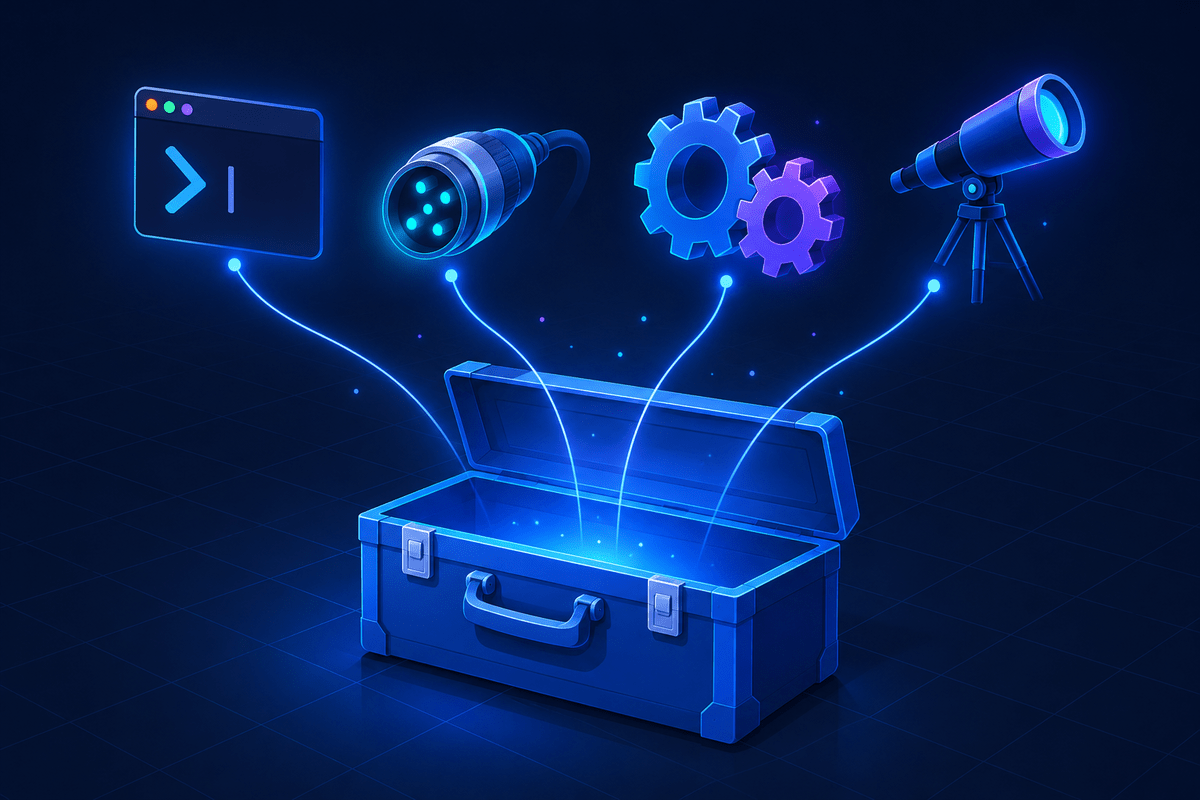
CLI and IDE agents that take a scoped task and execute it across your repo - reading, editing, running, and returning a diff. The workhorse of the Develop and Launch phases. The field is broad and growing - Cline, opencode, and others compete on the same shape - which is why AIDLC maps the category, not a winner.
MCP & Connectors
The Model Context Protocol and the servers built on it give agents governed access to your docs, databases, issue trackers, and internal services - the difference between a demo and production use. Agent Plugins, an open standard published at version 1.0.0, lets skills and MCP server configurations travel between agents as one installable bundle - ChatGPT and Codex, Cursor, Copilot, Kiro and VS Code read it, while Claude Code keeps its own plugin format. The connective tissue you build is less tied to one harness than it was, but not yet format-neutral.
Orchestration
Frameworks that coordinate multiple agents, manage their context, and gate their actions behind human approval. Where multi-agent workflows are wired together and supervised.
Observability
Monitoring and tracing tools - increasingly with AI triage built in - that watch production and feed real signals back into the Curate phase and the next cycle of analysis.
How to Choose
- Methodology over brand. AIDLC is the constant; tools are interchangeable. Pick for fit, and expect to swap them as the market moves.
- Favor reviewable output. The best agents make their work easy to inspect - clear diffs, explained steps - because you are accountable for what ships.
- Mind your context boundary. Whatever connects an agent to your systems (often MCP) is also a security boundary. Grant the least access that gets the job done.
- Start with one phase. Adopt agents where you feel the most friction, build the review discipline, then expand across the lifecycle.
- Prefer portable configuration. Skills, specs, and MCP configs in open formats can follow you between agents - lock-in is now a choice, not a default.
Working through an actual decision? How to Choose an AI Coding Agent takes these rules further - the eight axes that separate candidates, and how to trial them on real work.
Market landscape, verified October 2026
This category consolidates monthly - verify a vendor's status or pricing before quoting it.
| Phase | Representative tools | Notes |
|---|---|---|
| Planning and design | Linear, Jira with Atlassian Rovo, Notion, Figma | AI drafting and summarization inside the planning tool; ticket-contract generation is usually custom |
| Coding agents (IDE and CLI) | Claude Code, GitHub Copilot, Cursor (a SpaceX subsidiary since 08-2026), Codex CLI and app, Antigravity IDE and CLI (Google moved its consumer and free tiers off Gemini CLI, 06-2026; the open-source Gemini CLI still ships for API-key, Vertex AI and Code Assist users), Devin, Kiro (replaced Amazon Q Developer, whose IDE plugins lose support 04-30-2027), Amp (spun out of Sourcegraph, 12-2025), Augment Code, Factory and its Droid agents, GitLab Duo Agent Platform | Nearly all read a repo instruction file and support skills and MCP. Per-seat pricing is giving way to usage-based credits across the category |
| Autonomous and cloud agents | GitHub Copilot cloud agent (renamed from coding agent, 2026), Codex cloud, Claude Code on the web and the Claude Code GitHub Action, Cursor Cloud Agents, Devin, Google Jules, Kiro Crew | Opens pull requests unattended. GitHub's Agents tab has run Claude and Codex inside github.com in public preview since 02-2026 |
| Code review | CodeRabbit (Series C, 08-2026), GitHub Copilot code review (can approve pull requests in preview since 09-2026), Claude Code review tooling, Cursor Bugbot, Graphite Agent (acquired by Cursor, 12-2025), Greptile, Qodo Git, Codacy, GitLab Duo Code Review | The differentiator is whether a tool learns and enforces your rules or only flags generic patterns |
| Testing | Playwright, which now ships an agent-facing CLI and an MCP server alongside the test runner, plus mabl, Testim, Applitools, Qodo, and mutation tools (Stryker, PIT, mutmut, cargo-mutants) | Mutation testing is the gate that matters for generated tests |
| Security | Snyk, Semgrep, SonarQube, Checkmarx, Veracode, GitHub code scanning with Copilot Autofix | SAST catches the classes AI gets wrong most often: cross-site scripting, log injection, error masking |
| DevOps and monitoring | Datadog, New Relic, Dynatrace, PagerDuty, PostHog, Sentry | Incident agents that correlate deploys to errors are now standard across vendors |
| Evals and observability for AI | Promptfoo (OpenAI-owned since 03-2026, still open source), Braintrust, LangSmith, Langfuse, DeepEval, Arize Phoenix | The fixture set is the asset, the tool is interchangeable. OpenAI's announced schedule for its hosted Evals API: read-only from 10-31-2026, shutdown on 11-30-2026 |
Vendor identity and governance features
| Vendor | CI identity | Spend controls | Audit and compliance |
|---|---|---|---|
| Anthropic | Workload identity federation for GitHub Actions, AWS, Google Cloud, Microsoft Entra ID, Kubernetes, SPIFFE, and Okta; service accounts; API keys with an expiry policy | Per-workspace monthly caps and rate limits; usage and cost report APIs; an Enterprise spend limits API | Team includes SSO, a no-training default, and usage analytics. Enterprise adds an audit log, SCIM, a Compliance API, HIPAA readiness with a BAA, CMEK, and an IP allowlist. Claude Code is included in every Team and Enterprise seat |
| GitHub | Copilot's cloud agent runs under a bot identity with signed commits and session-log trailers; GitHub Apps cover third-party agents | AI Credits with per-user budgets on cost centers; Business and Enterprise seats include a credit allowance | Enterprise AI Controls and an agent control plane reached general availability 02-2026, with agent-specific audit events, MCP allowlists, a global model policy, and content exclusion. No BAA |
| OpenAI | API keys; Codex cloud sessions run under the workspace | Project-level budgets on the API platform | ChatGPT Enterprise has audit logs, SCIM, and a BAA; Business does not. Codex local is BAA-eligible, Codex cloud is not |
| GitLab | Service accounts and CI job tokens | GitLab Credits, billed per user per month with on-demand top-ups | Duo Agent Platform reached general availability 01-2026 with audit events in the platform log |
A few conventions cut across every vendor above: AGENTS.md and CLAUDE.md as repo instruction files, Agent Skills as an open standard for portable procedures at agentskills.io, and MCP for tool and data connectors - governed by the Linux Foundation's Agentic AI Foundation since 12-09-2025 alongside AGENTS.md and Block's goose. The OWASP GenAI Security Project maintains the threat taxonomies, and OpenSSF's AI/ML security working group covers model signing and agent guidance.
Every code review vendor makes the same pitch: generation tools raise output volume, so without a strong review layer more code simply means more risk. The argument is correct. It is also the reason to evaluate review tools on your own fixture set rather than their benchmarks, and the reason not to let any of them approve a Tier 3 pull request - see AI Code Review at Scale and Engineering Practices.
Frequently Asked Questions
AIDLC is tool-agnostic, so there is no single right answer. Most teams pair a chat assistant such as Claude, ChatGPT, or Gemini with a coding agent such as Claude Code, Cursor, GitHub Copilot, or Codex, then connect them to their systems through MCP. Choose for fit with your stack and review workflow, and expect the specific tools to change.
An assistant responds to a single prompt - you ask, it answers. An agent takes a goal and executes multiple steps to reach it: planning, editing files, running commands, and checking results before handing back a diff. Agents do more on their own, which is why reviewing their output well is the key skill.
Not strictly - agents work on a local repo without it. But MCP is what lets an agent reach your wider systems (docs, tickets, databases, services) through a standard, governed interface instead of brittle one-off integrations. On real projects it is usually what makes agents genuinely useful, and it doubles as a place to enforce access controls.
Tools Change. The Method Stays.
Learn the framework that outlasts any single tool, and the discipline that makes agents safe to rely on.